How to use Alax system as a furniture dealer
The ALAX system brings great features that will make your work easier!
FILTERS
Find furniture easily based on parameters
It only takes a few minutes. Simply select the color, material, brand, price and other features for your chosen type of furniture and you immediately get a list of products that meet these parameters. A detailed manual of how to use filters can be found here.
PRICE QUOTE
Create a quote for your client
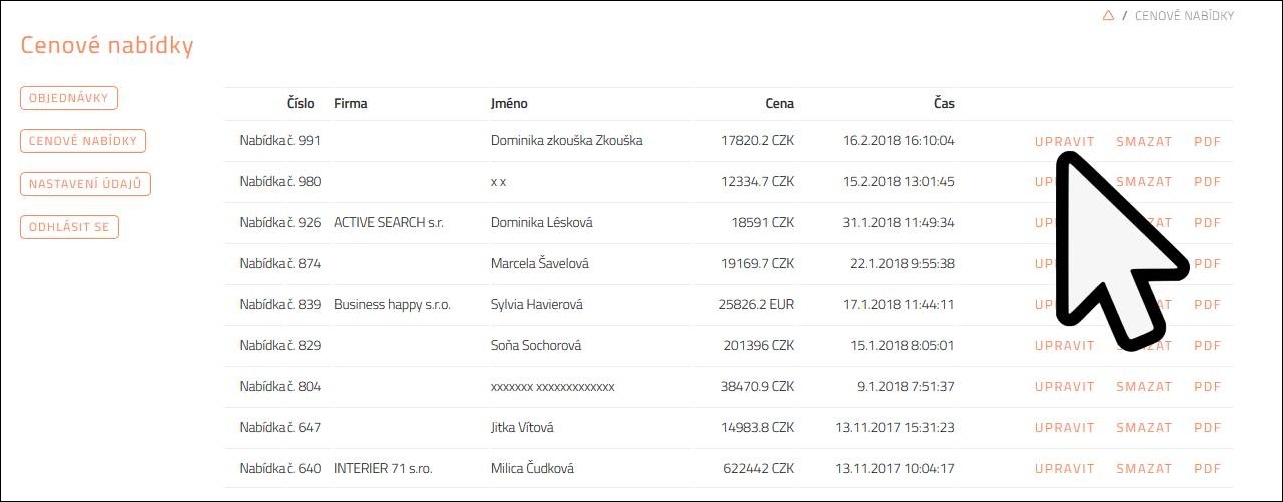
You can create a price quote directly on our website, both in PDF and Excel format. After logging in to your account, you will immediately see the wholesale prices at which you buy from us. Watch a comprehensive manual in the video below on this page.
PROFIZONE
Get access to exclusive materials
As a member of Profizone, you gain access to catalogs, price lists or 3D models. You can access them via the Download section in your account (just select the brand and all materials will be displayed immediately). You can also find more information about our Profizone here.
5 easy steps to get started with our system
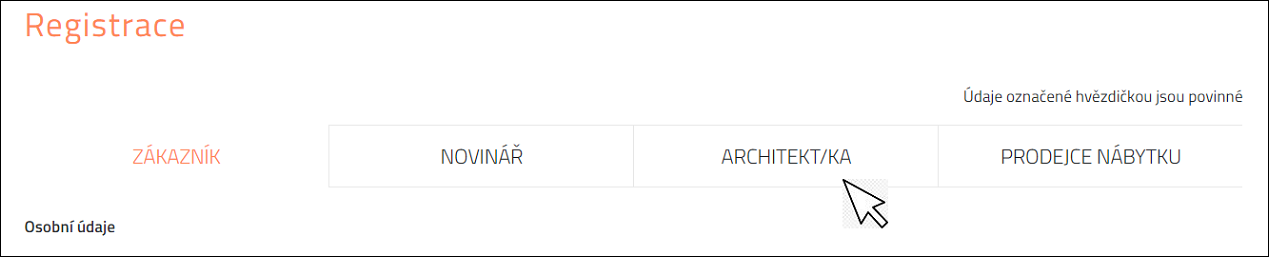
1. REGISTER
Use interesting discounts on purchases in our e-shop
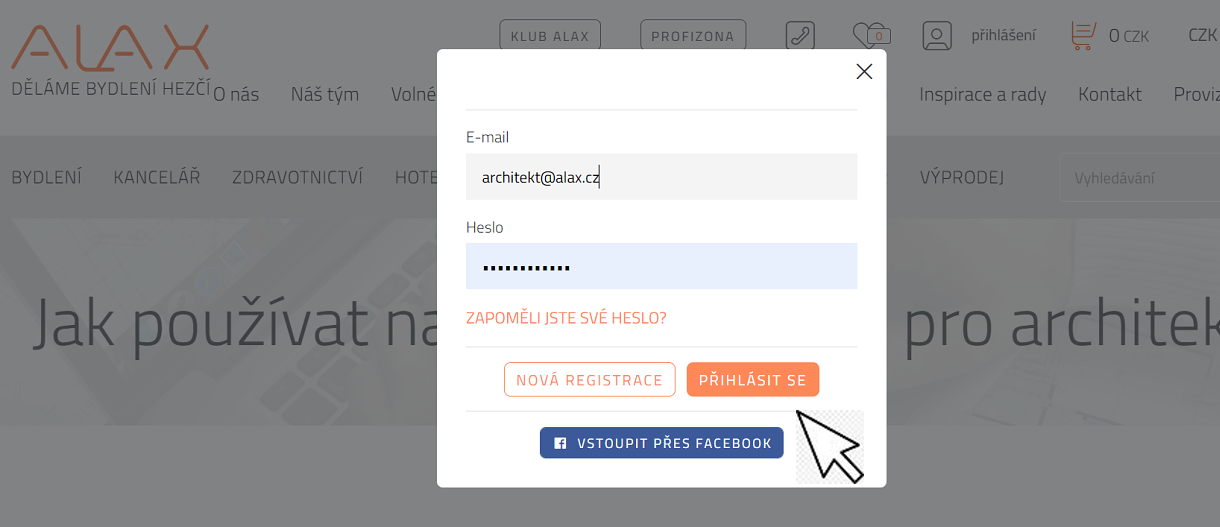
2. LOG INTO YOUR ACCOUNT
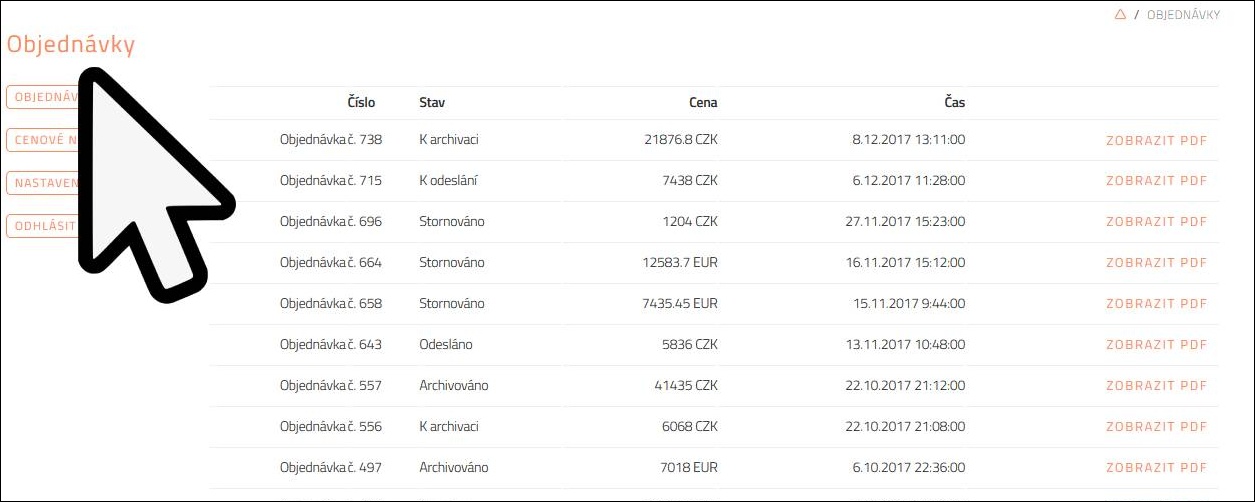
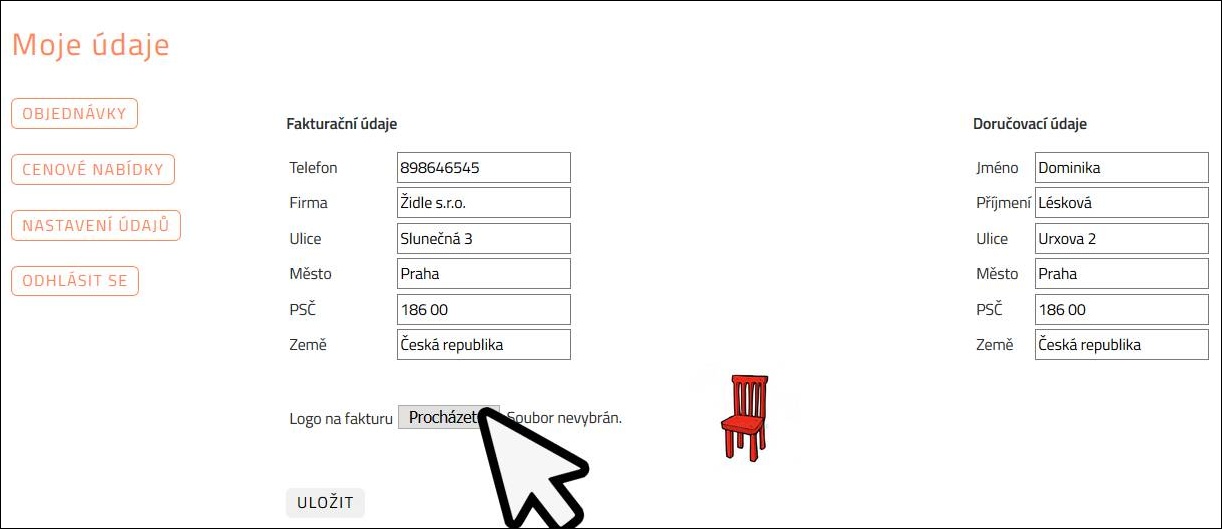
Manage your quotes, orders and other data

3. CREATE A QUOTE FOR YOUR CLIENT
Quickly and clearly right in the system
4. EDIT THE PRICE QUOTE
Whenever circumstances or prices change
5. MAKE QUOTE INTO AN ORDER!
Congratulations! The goods are on their way.